



Wintails App
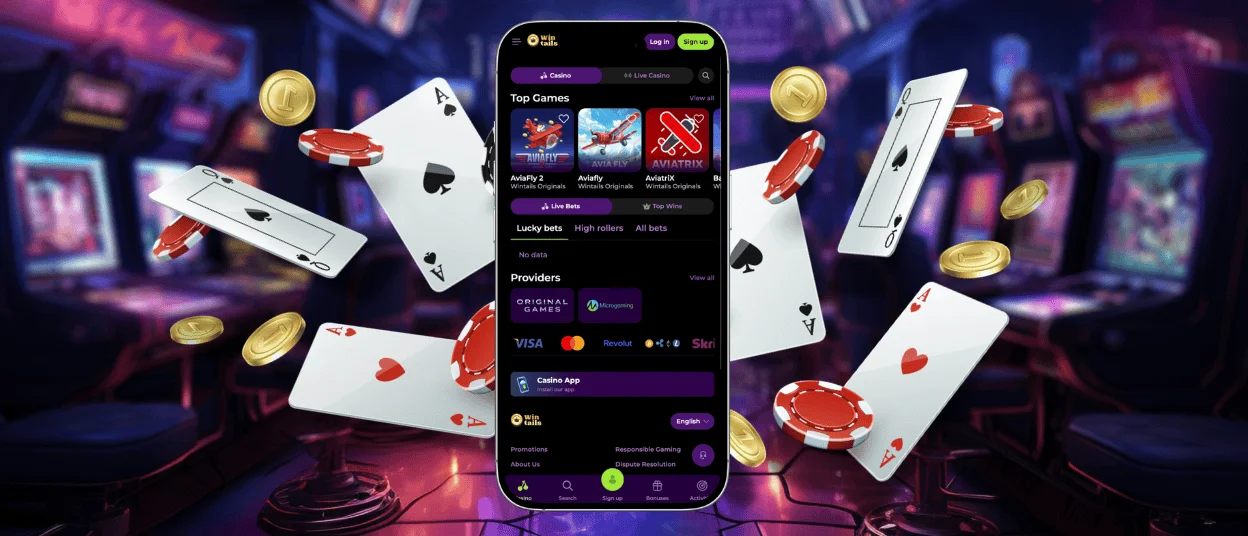
The Wintails app puts the whole casino on your home screen, and you don’t need an app store account or to go through a complicated download process to get it. It’s easy to get the mobile casino from the website; it doesn’t take up much space, and after that, all you have to do is tap once to open it. Every game, bonus, account tool, and setting that you can use on your computer also works on your phone.



Mobile Application
For practical reasons, Wintails Casino doesn’t use a standard downloadable app but instead uses PWA technology. To get an APK file for any other casino, you have to go to an outside website. You also can’t change the device’s security settings or run an update by hand between sessions. Our Win Tails app updates itself every time you open it, so the version on the home screen is always the most recent one. It also takes up very little room compared to a native app, which is important for devices with limited storage.
The security system stays the same no matter how the app is used. Every transaction at Wintails is handled with PCI-DSS-compliant payment processing. You can enable two-factor authentication in your account settings, and mobile sessions are protected by the same secured connection that protects desktop sessions.
Benefits of Wintails App
After installing the app, you should turn on push notifications. Tournaments, new extra offers, Sunday Reload reminders, and more are shown right on the lock screen. Wintails Casino players don’t have to check their email or log in to see what’s going on.
One more useful thing about the app is that you can finish the verification process on the same device. When working on a computer, you take pictures of documents with your phone, transfer them, and then share them. The Wintails app allows you to do everything from one device.
| What Changes on Mobile | Details |
| Push notifications | Bonus drops, tournament openings and reload reminders reach the lock screen the moment they go live. No manual checking required |
| Single-device verification | Document photos, review and submission all happen on the same phone |
| One-tap access | The home screen icon skips the browser, URL and login page sequence entirely |
| Instant deposits | Apple Pay and Google Pay complete a top-up in seconds |
| Session continuity | Balance, active bonuses, favorites, games, including online slots, are where they were on desktop the moment you opened the Win Tails app |
What the App Covers
The Wintails app is not a reduced version. You can play online slots, live casino games, crash games, table games, and platform-original games. You can fully control your account, making deposits and withdrawals, activating bonuses, keeping track of your missions, and setting limits for responsible gaming.
The support team can be reached through live chat that is built right into the app. The mobile Wintails Casino has the same response times and can handle multiple languages as the desktop site.
Installing the Wintails App on Android
Android users go through Chrome.
- You should click on the three dots in the upper right corner of the browser window to bring up a menu.
- From there, you have to choose “Add to Home Screen.”
- And finally, you can check the name, which can be changed to anything you want, and then press “Add.”
Wintails Casino now opens with just one tap from the button on the home screen. It only takes two minutes to do, and the app icon works just like any other icon on the device. If you want to be more organized, you can also move, change, or put the app inside a folder.
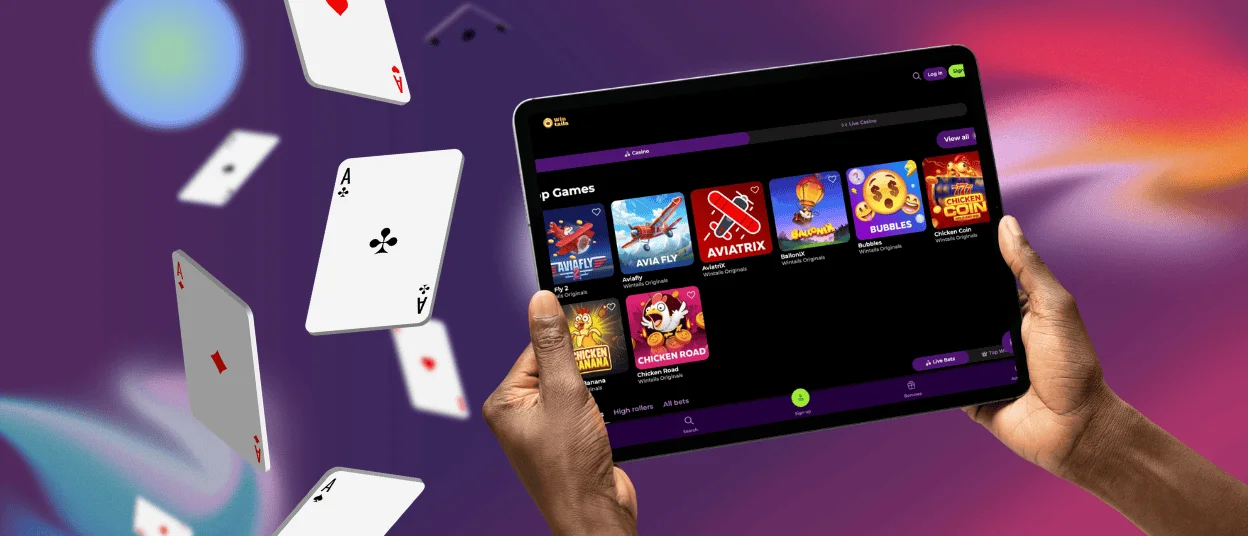
Win Tails Casino App on iOS
If you’re on an iPhone or iPad, the download uses Safari.
- Start Safari and go to the Wintails website.
- Tap the Share button at the bottom of the screen, which looks like a box with an up arrow in it.
- Then, choose “Add to Home Screen.” You can give it a name if you want, then tap “Add,” and the link is ready.
As of now, Apple Pay can be used to pay through the iOS version of the app. This makes transfers much faster. You can log in with the same email address and password that you use on your computer.
Wintails Casino on Desktop
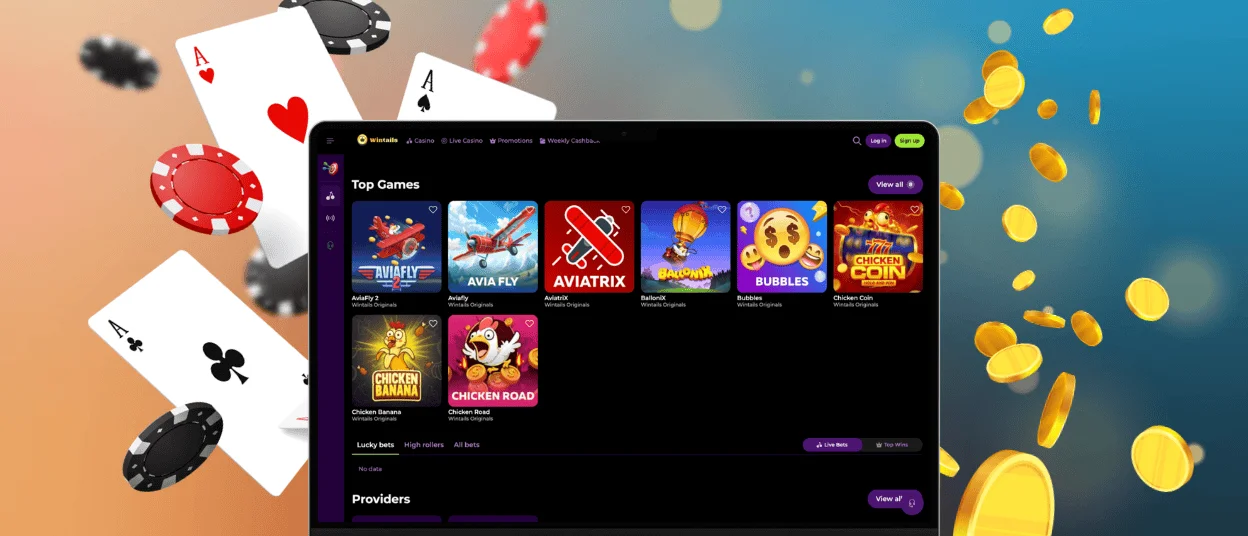
The PWA format extends to Windows and macOS as well. When visiting the Win Tails site in a desktop browser, a small install icon appears in the address bar. Clicking it and confirming installs the casino as a standalone application, separate from the browser. It opens directly without a tab and displays on a full screen.
For players who spend most of their time at a computer but want faster access than typing a URL, the desktop PWA is a good improvement. Live casino sessions in particular benefit from a larger screen.
FAQ
Do I need an account to use the Wintails app?
Demo mode on most slots and crash titles works without registering. Real-money gaming experience and withdrawals require an account. Registration through the app follows the same short process as on desktop, so you will complete it in two minutes.
How do updates work on the Wintails app?
There are no manual updates. The PWA pulls the current version each time it opens. New games and updated promotions, as well as any Wintails Casino platform changes, appear automatically without any action from the player.
Does mobile play use more data than desktop?
Standard slots use a modest amount of data. Live casino titles stream video continuously, which adds up faster. On a limited or unstable connection, Wi-Fi is the more reliable choice for live tables. The Win Tails slot and crash sessions run well on mobile data.
Is customer support available through the app?
Live chat is built into the Wintails app and connects to the support team the same way as on the desktop. Questions about games, deposits, bonuses, or account issues can be handled on the go.
Can I use the same account on multiple devices?
One account works across all devices simultaneously. Balance, active bonuses, game history and favorites sync automatically every time you log in, regardless of which device was used most recently.


